
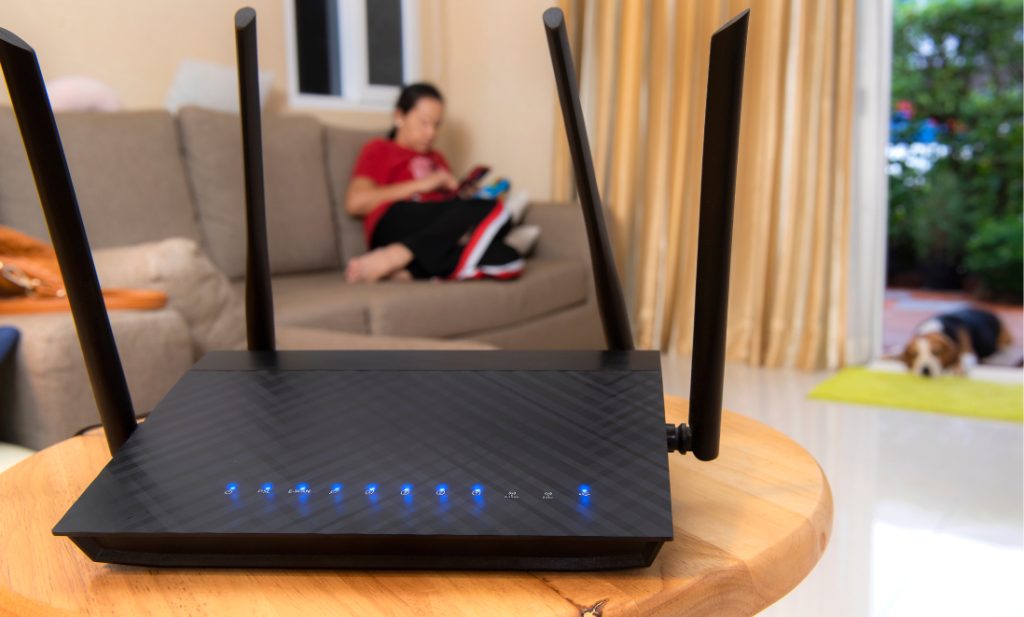
Slow internet can be quite frustrating, particularly when you’re trying to work, watch your favourite shows, or communicate with friends and family. Internet speed is of utmost importance in trying to achieve these things and we will look at how to troubleshoot slow internet and fix common problems that affect your internet speed.
What is Internet speed?
Internet speed, measured in Megabits per second or gigabits per second is the rate at which data is transported from the internet to your device. Bandwidth, latency, and the number of devices connected to your network all have an impact on your internet speed. Understanding these components is critical for identifying and resolving slow internet issues. Internet speed consists of some key components:
Download speed: which indicates how rapidly data is transmitted from the internet to your device, it influences how quickly you can load web pages, download files, stream movies or music, and conduct other tasks that require data to be retrieved from the internet. High download speed is critical for online activities such as streaming videos and downloading large files. For example, streaming a high definition video requires a minimum download speed of about 5 Mbps, while 4K streaming might require at least 25 Mbps.
Upload Speed: this is an indication of how rapidly data can be transmitted from your device to the internet. It determines how quickly you can send emails, upload files, post on social media and complete other tasks that require data to be transmitted to the internet. A reasonable upload speed is necessary for activities such as video conferencing and uploading large files to cloud storage. Generally, upload speeds are lower than download speeds because most online activities require more data to be downloaded than uploaded.
Latency: also known as ping, estimates how long it takes a data packet to travel from your device to an internet server and back. It is measured in milliseconds. Low latency is critical for real-time applications like online gaming, video conferencing, and voice over internet protocol communications. High latency can create delays, resulting in lag and poor performance in several tasks.
Bandwidth: is the maximum speed at which data travels through your internet connection. It is similar to the width of a highway: the broader the highway, the more cars can travel on it at the same time. Higher bandwidth enables for more data to flow at the same time, which is very useful for homes with several internet-connected devices.
Factors affecting internet speed
There are several factors that can affect your internet speed:
- Network Congestion: during peak usage times, there are many people using the internet at the same time and this causes congestion and leads to slower internet speeds.
- Electronic interference: Wi-Fi interference can occur from other equipment, thick walls or if the router is far away
- Service provider limitations: depending on your internet plan from your internet service provider, some limitations and data caps can be placed on your device especially during peak usage times.
- Faulty hardware: old or faulty modems can result in slower speeds. This can affect your online activities, especially those requiring high-speed internet.
- Number of devices: the higher the number of devices connected to your internet modem or router, the more the amount of bandwidth consumed. This will ultimately slow down your connection and affect your internet speed.
How to troubleshoot slow internet.
A slow internet connection can be quite frustrating, but before we delve into how to boost your internet speeds, it is critical to establish the cause of the slow internet and try some basic troubleshooting steps to try and fix it. Here are some basic steps:
Check your internet speed: use an online speed test tool such as speedtest.net or fast.com to determine your current internet speed. These tools provide real-time data on your upload and download speeds, and also determine if your internet connection is running optimally.
Restart your modem or router: sometimes, a simple reboot can resolve connectivity issues. If you find that connection is malfunctioning, a fast reboot of your internet modem or router (turning it off and turning it back on) may help you regain the connection. You can unplug it, wait for a few minutes and then plug it back.
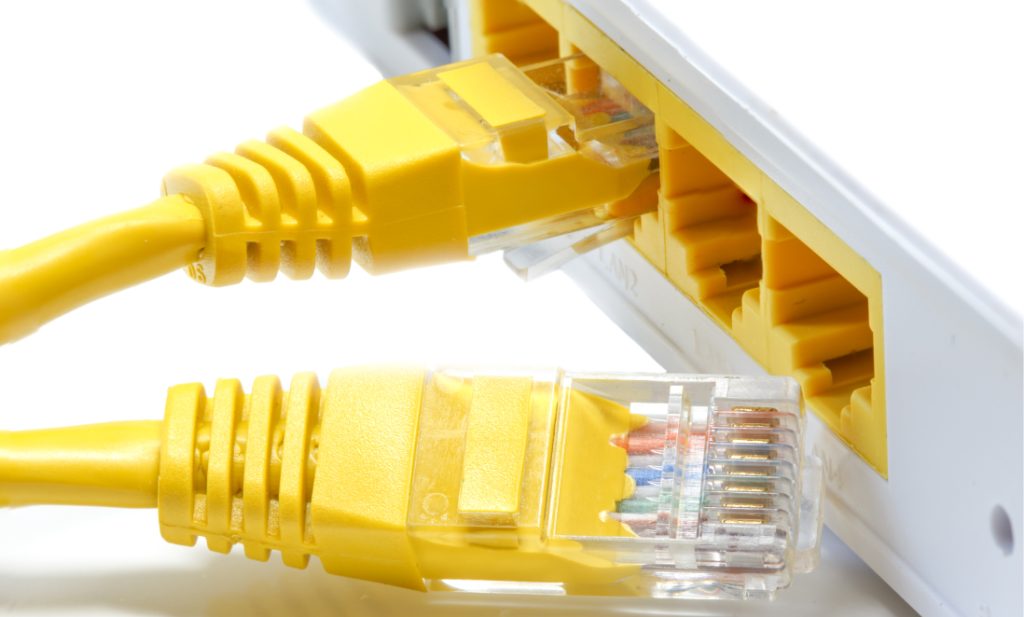
Inspect cables and connections: ensure that all the cables are properly connected and plugged to the right ports, also check to make sure that none of the cables is damaged as this can also slow down your internet speed.
Update firmware: check for updates to your router software, some manufacturers regularly send updates. Check for and install any available firmware updates for your router.
10 Ways to Boost your Internet Connection
If you’re having a slow internet connection, there things you can do to boost your connection, let’s explore 10 of them:
- Place your router in a strategic location: place your router in a central location, away from obstructions and interference like walls to ensure that you have coverage in every part of your home.
- Use a wired connection: whenever possible, use an Ethernet cable to connect your devices directly to your router for a more stable and faster connection.
- Upgrade your router: consider upgrading your router if it is outdated or malfunctioning. Upgrade to a newer model that supports the latest wi-fi standards and offers better performance. Some internet service providers swap old routers for newer models at little or no cost.
- Limit applications that reduce your bandwidth: identify applications and devices that consume a lot of bandwidth and limit their usage or schedule heavy downloads during off-peak hours. Also limit the applications that update in the background, even when you’re not using them.
- Enable Quality of Service (QoS): Quality of service settings on your router can prioritise traffic for certain devices and applications, ensuring that they get the necessary bandwidth.
- Install a Wi-Fi Extender or Mesh network: if you have a large home, it means you may not always be in the same room as your router, consider using Wi-Fi extenders or mesh network to boost the signal areas with weak coverage. Wi-Fi extenders pick up your router’s wireless connection and extend it to other spots in your home, whereas mesh networks are made up of multiple routers strategically positioned throughout your home to amplify your Wi-Fi signal.
- Secure your network: protect your network from unauthorized access and users by using strong passwords that are difficult to decode, this will usually include upper case and lower case letters, numbers and special characters. When unauthorized users access your network, it slows down your internet speed.
- Clear cache and cookies: if you have checked your router connection and it is perfect, and does not appear to be the cause of your poor internet connection, try emptying your browser’s cache and cookies. Cache is a temporary storage area where your computer saves web pages that you recently visited. It is important to do this, so that when you revisit the pages, your browser can quickly refresh the page data and assets instead of having to download them all over again. Regularly clearing your cache can improve your browsing speed and overall internet performance.
- Update network drivers: ensure that your device’s network drivers are up to date, as outdated drivers can cause performance issues. It is also important to update your browser’s operating system to ensure it is running optimally.
- Contact your ISP: if you have tried everything and you’re still experiencing slow internet, contact your internet service provider to check for any issues on their end or to upgrade your plan.
By following these tips, you can significantly improve your internet speed and enjoy a smoother online experience without lags. Remember, regular maintenance and staying informed about the latest technologies can go a long way in keeping your internet connection fast and reliable.
Frequently Asked Questions
- Why is my internet so slow all of a sudden?
Several factors can cause a sudden slowdown in internet speed, including network congestion, increased bandwidth usage by connected devices, interference from other electronic devices, or issues with your ISP. Start by checking your internet speed and rebooting your modem and router.
- How can I test my internet speed?
You can test your internet speed using online tools like Speedtest.net or Fast.com. Close all background applications and connect directly to your router with an Ethernet cable for the most accurate results.
- What is a good internet speed for streaming?
For streaming high-definition (HD) video, you generally need a download speed of at least 5 Mbps. For 4K streaming, a download speed of at least 25 Mbps is recommended.
- Why is my Wi-Fi slow but Ethernet fast?
Wi-Fi can be slower than Ethernet due to interference, signal range, and the number of devices connected wirelessly. Ethernet connections are generally more stable and provide faster speeds because they use a direct wired connection.
- How often should I restart my modem and router?
It’s a good practice to restart your modem and router every couple of months to clear out cache and refresh your connection. If you experience frequent issues, you may need to restart them more often.
- What are the benefits of upgrading my router?
Upgrading to a newer router can provide better speed, improved range, and support for the latest Wi-Fi standards. Newer routers also offer advanced features like Quality of Service (QoS) and better security protocols.
- How can I reduce Wi-Fi interference?
To reduce Wi-Fi interference, place your router in a central, elevated location away from thick walls and electronic devices like microwaves and cordless phones. Changing the Wi-Fi channel to a less congested one can also help.
- What is Quality of Service (QoS) and how does it help?
Quality of Service (QoS) is a feature available on many routers that allows you to prioritize certain devices or types of traffic. This ensures that critical applications, like video calls or gaming, receive the necessary bandwidth for optimal performance.
- Can too many devices slow down my internet?
Yes, having too many devices connected to your network can consume bandwidth and slow down your internet. Disconnect devices that are not in use to free up bandwidth for more critical applications.
- How can I secure my Wi-Fi network?
Secure your Wi-Fi network by using a strong, unique password and enabling WPA3 encryption if supported by your router. Regularly update your router’s firmware to protect against security vulnerabilities.
- What should I do if my ISP is the problem?
If you suspect your ISP is the issue, contact them to report the problem and request a line test. You can also discuss upgrading to a higher speed plan if your current plan doesn’t meet your needs.
- What are Wi-Fi extenders and how do they work?
Wi-Fi extenders, also known as repeaters, amplify your existing Wi-Fi signal to cover larger areas of your home. They are useful for eliminating dead zones and improving coverage in areas where the signal is weak.
- Why do I need to update my network drivers?
Outdated network drivers can cause compatibility and performance issues. Keeping your network drivers updated ensures your device can communicate effectively with your router and utilize the latest features and optimizations.
- How can clearing browser cache improve my internet speed?
Clearing your browser cache can improve internet speed by removing old data that might be causing slowdowns. It ensures your browser loads the most recent versions of web pages and applications.
- When should I consider replacing my modem?
Consider replacing your modem if it’s more than a few years old, doesn’t support your current internet speed plan, or if you’re experiencing frequent connectivity issues. Newer modems often support higher speeds and more advanced technologies.